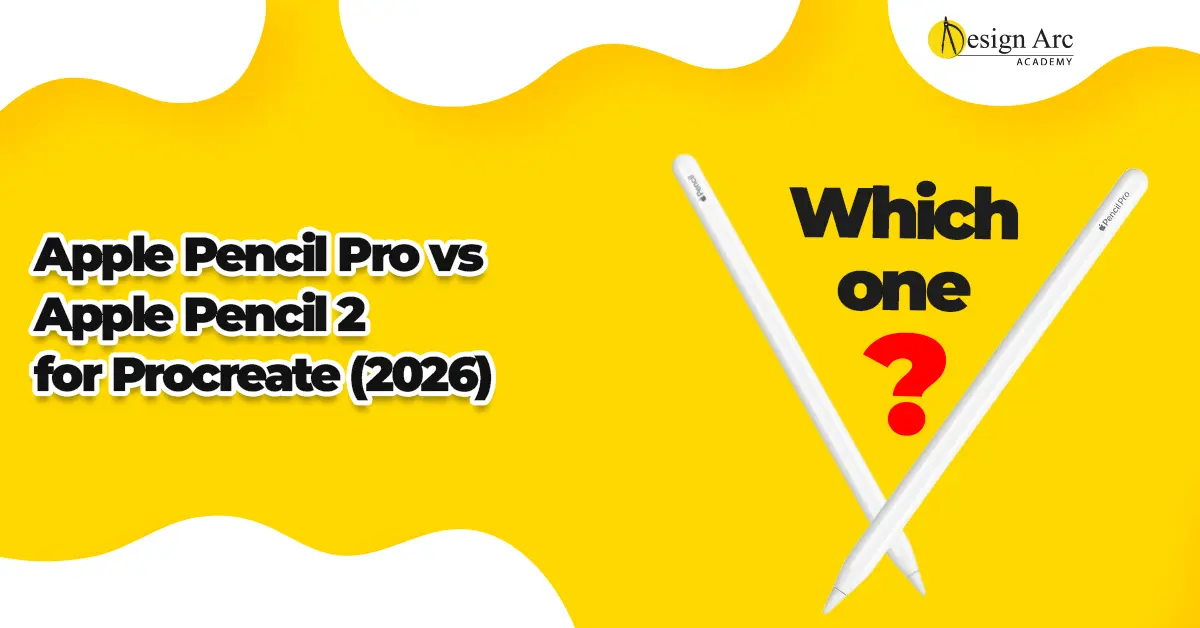
If you’re serious about using Procreate in 2026, choosing the right stylus is one of the most important decisions you’ll make.
Search queries like Apple Pencil Pro vs Apple Pencil 2, best pencil for Procreate, and which Apple Pencil is best for Procreate are increasingly common. With new hardware updates and improved stylus technology, many artists are unsure which option makes more sense.
Both Apple Pencil Pro and Apple Pencil 2 are compatible with Procreate. However, their performance differences can impact drawing experience — especially for professional artists.
This guide compares both styluses in terms of:
- Performance and responsiveness
- Pressure sensitivity
- Tilt functionality
- Gesture controls
- Compatibility
- Value for money
- Beginner vs professional suitability
Why Stylus Choice Matters for Procreate
Procreate’s powerful brush engine responds directly to stylus input. Stroke quality depends heavily on:
- Pressure variation
- Smooth line transitions
- Tilt-based shading
- Palm rejection
- Minimal latency
A high-quality stylus enhances these features. A basic stylus limits them. In 2026, when digital art standards are increasingly refined, stylus precision directly affects output quality.
Apple Pencil 2: The Proven Standard
Apple Pencil 2 has been the professional standard for years. It offers:
- Pressure sensitivity
- Tilt support
- Magnetic charging
- Low latency
- Double-tap gesture control
For most Procreate users, Apple Pencil 2 delivers a smooth and reliable drawing experience. It remains widely supported across multiple iPad Pro and iPad Air models.
For beginners entering digital art, Apple Pencil 2 continues to be a safe and powerful choice.
Apple Pencil Pro: What’s New in 2026?
Apple Pencil Pro introduces refinements designed for advanced creators.
Key improvements include:
- Enhanced pressure sensitivity precision
- Improved tilt detection
- Advanced gesture customization
- Faster response time
- Haptic feedback (on supported devices)
These upgrades create a more natural drawing experience, particularly for detailed shading and complex illustration work.
Performance Comparison for Procreate
Line Quality
Both styluses produce smooth strokes. Apple Pencil Pro may feel slightly more responsive during rapid sketching.
Pressure Sensitivity
Both support pressure variation. Apple Pencil Pro offers more nuanced control, especially for fine shading transitions.
Tilt Shading
Tilt works well on both. Pro models may feel more fluid during detailed shading.
Latency
Both provide minimal latency. Apple Pencil Pro may feel marginally faster on the latest iPads.
For casual users, differences may be subtle. For professionals working long hours on detailed artwork, refinements become noticeable.
Compatibility Matters
Before purchasing, always verify your iPad model.
Apple Pencil Pro supports newer-generation iPads only. Apple Pencil 2 supports a broader range of older iPad Pro and Air models.
Compatibility is one of the most common purchase mistakes — always confirm device support before deciding.
Price vs Value in 2026
Apple Pencil Pro generally costs more than Apple Pencil 2.
The decision should be based on value rather than price alone.
Apple Pencil 2 is ideal if you are:
- A beginner exploring digital art
- A student learning illustration
- A hobbyist
Apple Pencil Pro may be better if you are:
- A freelance illustrator
- A professional digital artist
- A fashion illustrator
- A content creator working with clients
For professionals, improved precision and control can justify the higher cost as a productivity investment.
Which One Is Better for Procreate Animation?
In 2026, many creators use Procreate for short-form animation and social media content.
Both styluses perform well for animation. However, if you frequently work with detailed frames or complex line control, Apple Pencil Pro may offer slight ergonomic advantages.
Should Beginners Buy Apple Pencil Pro?
Not necessarily.
For most beginners, Apple Pencil 2 provides excellent performance at a more accessible price point. Skill development is more important than hardware upgrades in early stages.
Upgrading to Apple Pencil Pro becomes valuable when precision directly impacts income or professional output.
Frequently Asked Questions
Is Apple Pencil Pro worth it for Procreate?
Yes, especially for professionals who require refined pressure control and advanced gesture features.
Is Apple Pencil 2 still good in 2026?
Yes. It remains reliable and powerful for most Procreate users.
Does Apple Pencil Pro improve drawing quality?
It enhances responsiveness and control, but artistic quality ultimately depends on skill.
Which is better for beginners?
Apple Pencil 2 is usually sufficient for beginners starting in digital art.
Final Verdict
In 2026, both Apple Pencil Pro and Apple Pencil 2 are excellent choices for Procreate users.
Apple Pencil 2 remains a strong, reliable option that delivers professional-level performance.
Apple Pencil Pro adds refinements that benefit advanced users who demand enhanced precision, responsiveness, and gesture control.
The right choice depends on your level, goals, and budget.
If you are building a professional portfolio or working with clients regularly, investing in high-quality tools can support efficiency and confidence. If you are just starting your digital art journey, mastering fundamentals matters more than owning the latest stylus.
Choose based on your growth stage — not just trends.