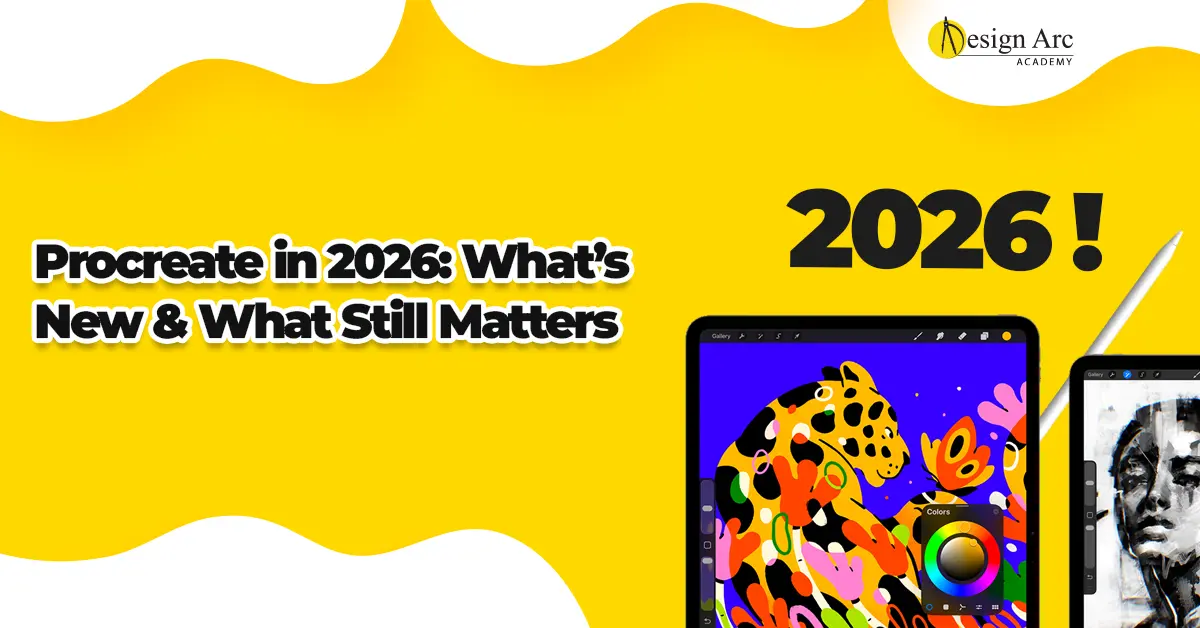
Procreate has been one of the most popular digital illustration apps for years. But in 2026, with AI art tools, evolving hardware, and growing competition, many artists are asking:
Is Procreate still worth learning?
Searches like Procreate latest updates, Procreate 2026 features, and Is Procreate worth it in 2026 reflect increasing curiosity among beginners and professionals alike.
With new Apple devices, Apple Pencil Pro enhancements, and expanding AI-assisted design tools, the digital art space is more competitive than ever. This guide explores what has changed in Procreate in 2026, how it compares to emerging tools, and whether it remains a smart skill investment.
Why Procreate Became So Popular
Before analyzing 2026 updates, it is important to understand why Procreate gained massive popularity.
- One-time purchase model (no subscription)
- Powerful brush engine
- High-resolution canvas support
- Smooth Apple Pencil integration
- Beginner-friendly interface
Procreate became the preferred app for illustrators, tattoo artists, fashion illustrators, digital painters, and content creators. Unlike complex desktop software, it allowed artists to work anywhere using just an iPad and stylus.
What’s New in Procreate in 2026?
In 2026, Procreate continues to evolve with performance and workflow improvements, including:
- Enhanced brush stabilization
- Improved 3D model texturing
- Faster rendering performance
- Better animation timeline controls
- Improved Apple Pencil Pro compatibility
Performance upgrades allow smoother handling of large canvas sizes, particularly on newer iPad models. Animation tools have also improved, making Procreate more suitable for short-form content creation and social media visuals.
How AI Is Impacting Procreate Users
The rise of AI-generated art tools in 2026 has changed the creative landscape. Many artists worry that AI may replace manual digital illustration.
However, Procreate remains a human-driven creative platform. AI tools can generate rapid concept drafts, but they lack personalized control, consistent artistic style, and detailed customization.
Many professionals now combine AI-generated references with Procreate’s manual refinement tools. Instead of replacing Procreate, AI functions as a complementary resource.
Device Compatibility in 2026
Procreate continues to grow due to strong hardware integration. In 2026, it runs smoothly on:
- iPad Pro models
- iPad Air models
- Latest-generation Apple Pencil
- Apple Pencil Pro
Enhanced palm rejection and pressure sensitivity offer more natural brush control. Choosing updated hardware improves responsiveness and supports larger canvas sizes.
Is Procreate Still Worth Learning in 2026?
Yes — with realistic expectations.
Procreate remains one of the strongest tools for:
- Digital illustration
- Fashion sketching
- Character design
- Social media artwork
- Tattoo design
- Concept art
However, professional growth depends on skill depth. Artists must develop:
- Composition knowledge
- Anatomy understanding
- Color theory mastery
- Consistent style identity
- Strong portfolio presentation
In 2026, artistic fundamentals matter more than tool familiarity alone.
Career Opportunities Using Procreate
Procreate skills create multiple income opportunities:
- Freelance illustration
- Instagram art branding
- Digital print sales
- Fashion illustration services
- Tattoo design commissions
- YouTube art tutorials
- Digital collectibles and NFT art
Many freelancers in India use Procreate to offer services globally. Success depends on marketing strategy, portfolio quality, and consistent output.
Procreate vs Other Digital Art Tools in 2026
Compared to subscription-based tools like Photoshop or Illustrator, Procreate remains affordable.
Compared to AI art generators, it offers complete creative control.
Compared to desktop software, it provides mobility and convenience.
Its simplicity remains a competitive strength — allowing artists to focus on creativity rather than complex system navigation.
Common Beginner Mistakes in 2026
Many beginners assume that purchasing an iPad and installing Procreate guarantees rapid improvement. However, digital tools do not replace artistic discipline.
Common mistakes include:
- Ignoring anatomy practice
- Overusing effects and filters
- Copying AI-generated styles
- Neglecting structured portfolio building
Consistent practice and foundational development separate hobbyists from professionals.
Frequently Asked Questions
Is Procreate better than AI art tools?
Procreate offers full manual creative control, while AI tools assist in rapid concept generation. They serve different purposes.
Do you need Apple Pencil Pro for Procreate?
No, but enhanced stylus features improve precision and drawing responsiveness.
Is Procreate suitable for beginners?
Yes. Its interface is intuitive while still offering professional-level tools.
Can you earn money using Procreate?
Yes. Many freelancers generate income through illustration services, branding work, digital prints, and educational content.
Final Thoughts
Procreate in 2026 remains highly relevant in the digital art industry. While AI tools reshape workflows, manual illustration skills continue to hold strong value.
For beginners, Procreate provides one of the most accessible entry points into digital art. For professionals, it remains a reliable creative engine for client work and portfolio development.
The real question is not whether Procreate is worth learning — it is how seriously you commit to mastering it.
Artists who combine strong artistic fundamentals with digital proficiency will continue to thrive in an evolving creative ecosystem.